





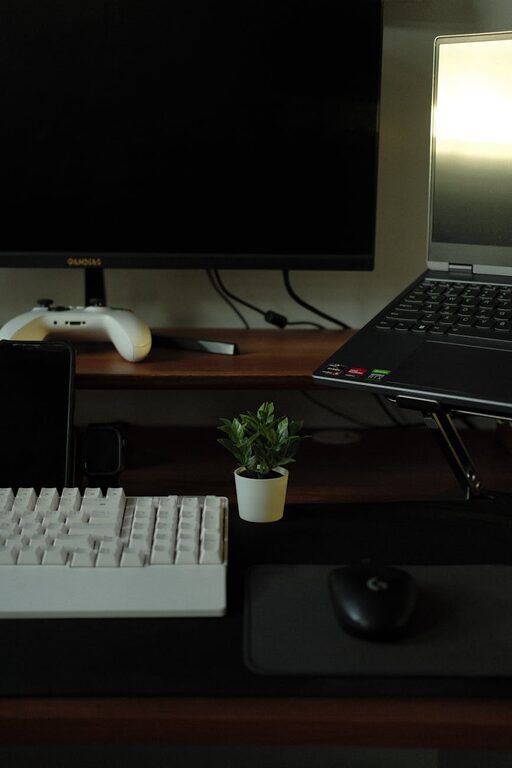
Creating a productive home office environment is key to maintaining focus and efficiency while working remotely. With the right setup and habits, your workspace can become a place where creativity flows and distractions stay minimal. Here’s a guide to help you design and maintain a home office that supports your productivity and well-being.
Choose the Right Location
Selecting the best spot for your home office is the first step. Ideally, pick a quiet area with minimal foot traffic to reduce interruptions. If space is limited, consider using a section of a room with a door you can close for privacy.
Consider Natural Light
Plenty of natural light has been shown to improve mood and energy levels. Position your desk near a window if possible. If natural light is scarce, invest in good quality, adjustable lighting to prevent eye strain.
Limit Noise Distractions
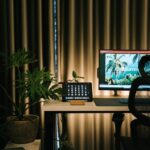
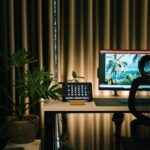
If noise is an issue, try noise-cancelling headphones or soundproofing options like thick curtains, rugs, or wall panels. A white noise machine can also help mask background sounds.
Invest in Comfortable and Functional Furniture
Your furniture affects both your comfort and productivity.
Ergonomic Chair and Desk
Choose an ergonomic chair with good lumbar support and adjustable height to keep your posture healthy. Your desk should be the right height to avoid strain on your wrists and shoulders.
Adequate Desk Space
Ensure your desk has enough space to hold your computer, paperwork, and any tools you frequently use. A clutter-free desk helps keep your mind clear.
Organize Your Workspace
An organized workspace reduces distractions and saves time looking for items.
Use Storage Solutions
Incorporate shelves, file organizers, and drawers to keep supplies neatly stored. Label containers and files for easy access.
Regular Decluttering
Set aside time weekly to tidy your desk and remove unnecessary items. A clean workspace can promote a clear mind.
Optimize Technology Setup
Technology plays a big role in productivity.
Reliable Internet Connection
Make sure your internet is fast and stable to avoid interruptions during video calls or large file uploads.
Efficient Equipment
Invest in a good quality laptop or desktop, a comfortable keyboard and mouse, and any other accessories like a second monitor to enhance workflow.
Cable Management
Use cable organizers or clips to keep cords tidy and out of the way, reducing clutter and preventing accidents.
Set Boundaries and Work Hours
Maintaining a balance between work and personal life is essential.
Define Your Schedule
Create a routine with set start and end times to your workday. This helps establish consistency and prevents burnout.
Communicate Boundaries
If you share your home with others, clearly communicate your work hours and the importance of minimizing interruptions during those times.
Personalize Your Space
Add touches that make your workspace inviting and motivating.
Decor and Plants
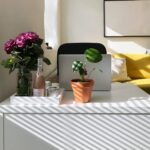
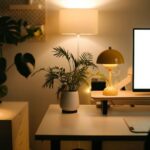
Incorporate calming colors, artwork, or inspirational quotes. Adding plants can improve air quality and add a refreshing natural element.
Comfort Items
Include a cozy blanket, a supportive cushion, or a water bottle nearby to stay comfortable and hydrated throughout the day.
Maintain Healthy Habits
Your workspace environment extends beyond furniture and gadgets.
Take Breaks
Regular breaks prevent fatigue and improve focus. Use techniques like the Pomodoro method (25 minutes of work followed by a 5-minute break).
Move Around
Stand up, stretch, or take a short walk to reduce stiffness and boost energy.
Keep Healthy Snacks Nearby
Having nutritious snacks on hand can keep your energy levels stable during work hours.
Final Thoughts
A productive home office environment doesn’t require expensive equipment or a large space. By carefully choosing your location, organizing your workspace, optimizing technology, and maintaining healthy habits, you can create an environment that supports your best work. Remember, your workspace should work for you — adapt these tips to fit your personal needs and preferences for the best results.